
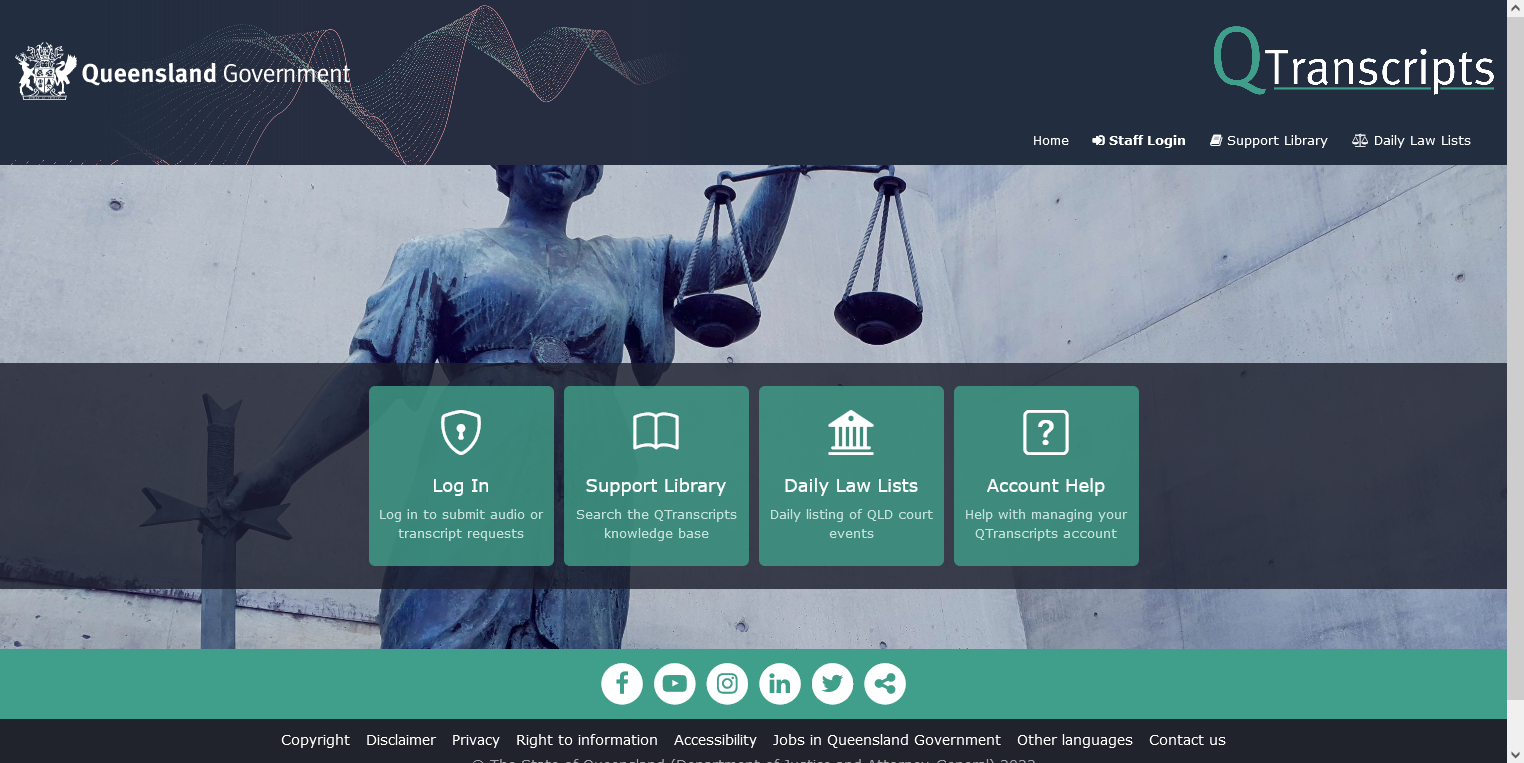
QTranscripts is an online platform for requesting audio or transcripts of QCAT proceedings.
Who can order?
Parties to the proceedings or their legal representatives can order audio or transcripts. Upon request other parties (like media, other law firms, or parties not directly involved in the proceeding) may request audio or transcripts, however eligibility requirements must be met.
Please note that all requests must undergo an internal approval process. This may affect the requested turnaround time as the turnaround time does not commence until after the internal process is completed.
Proof of identity
When you visit QTranscripts for the first time, it will ask you to login with your Digital ID account where you will need to prove your ‘digital identity’.
Step. 1 Go to qtranscripts.justice.qld.gov.au
Step. 2 Select Public Login.
Step. 3 Login with your Digital ID
Step. 4 If you do not have a Digital ID account, you will be prompted to create one.
Once you have your Digital ID account you will be redirected to QTranscripts.
If you go to QTranscripts without registering correctly, you will see blank pages.
Find out about the Digital ID requirements on the Digital ID FAQ page.
How to request a transcript or audio
Step. 1 Go to qtranscripts.justice.qld.gov.au
Step. 2 Select Public Login.
Step. 3 Login with your Digital ID account.
Step. 4 If you do not have a Digital ID, you will be prompted to create one.
Step. 5 Follow the prompts in QTranscripts to request your transcript or audio.
Receiving your transcript or audio
In QTranscripts you can track the progress of your order, query your request, and view any communication from QCAT.
When your audio or transcript request is finalised, a secure link to download the product will be sent to you. This safeguards audio or transcript security.
You have 30 days to download your audio or transcript before the link expires.
Unable to complete online?
If you cannot create a Digital ID account or access online services to request a transcript or audio, you will need to complete the Request for Transcript form available from www.courts.qld.gov.au or by calling 1800 842 122. Alternatively, you can visit a Courthouse to request a copy of the form.